My Work
Activities stay separated by profile
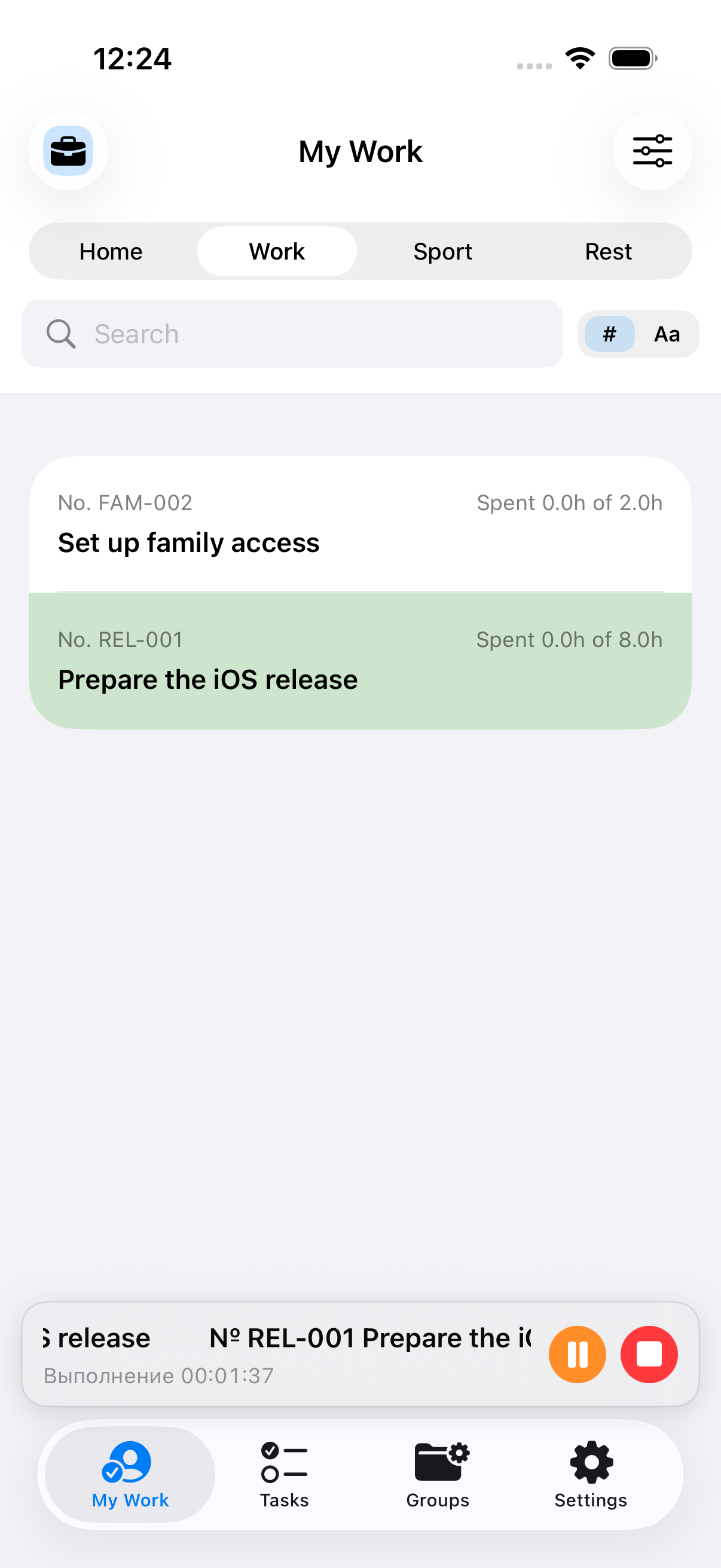
This screen shows tasks with planned effort and current progress, so you can see the full list of planned activities.
 Task Player
iPhone, iPad, Apple Watch
Assign quickly. Finish quickly.
A focused task manager for people who need one clear next step, not another list to sort. Task Player uses activity profiles, strict prioritization and time tracking to keep work moving.
This screen shows tasks with planned effort and current progress, so you can see the full list of planned activities.
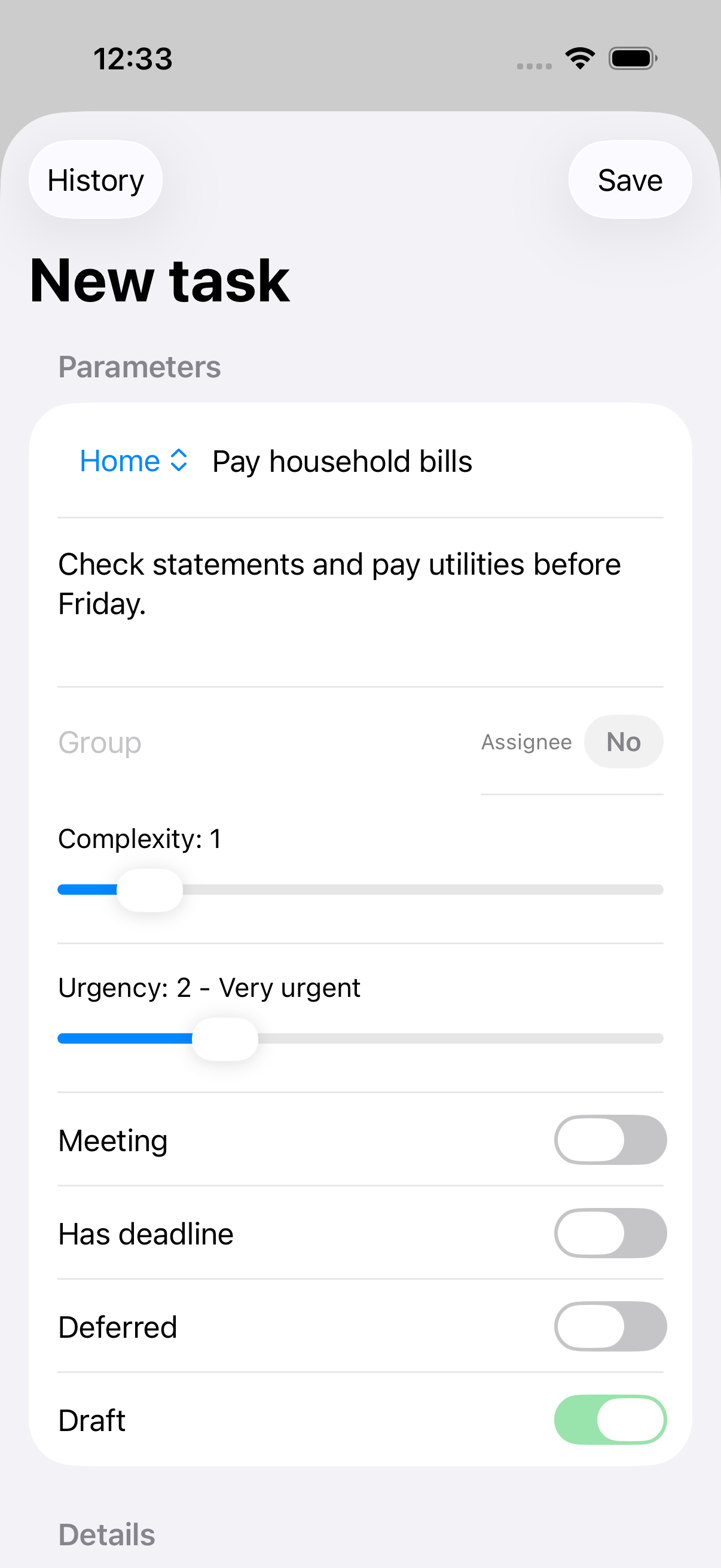
Fill in the title, description and profile to capture a task quickly and get back to work.
The work task list supports quick actions, so shared work can be assigned and prepared for execution.
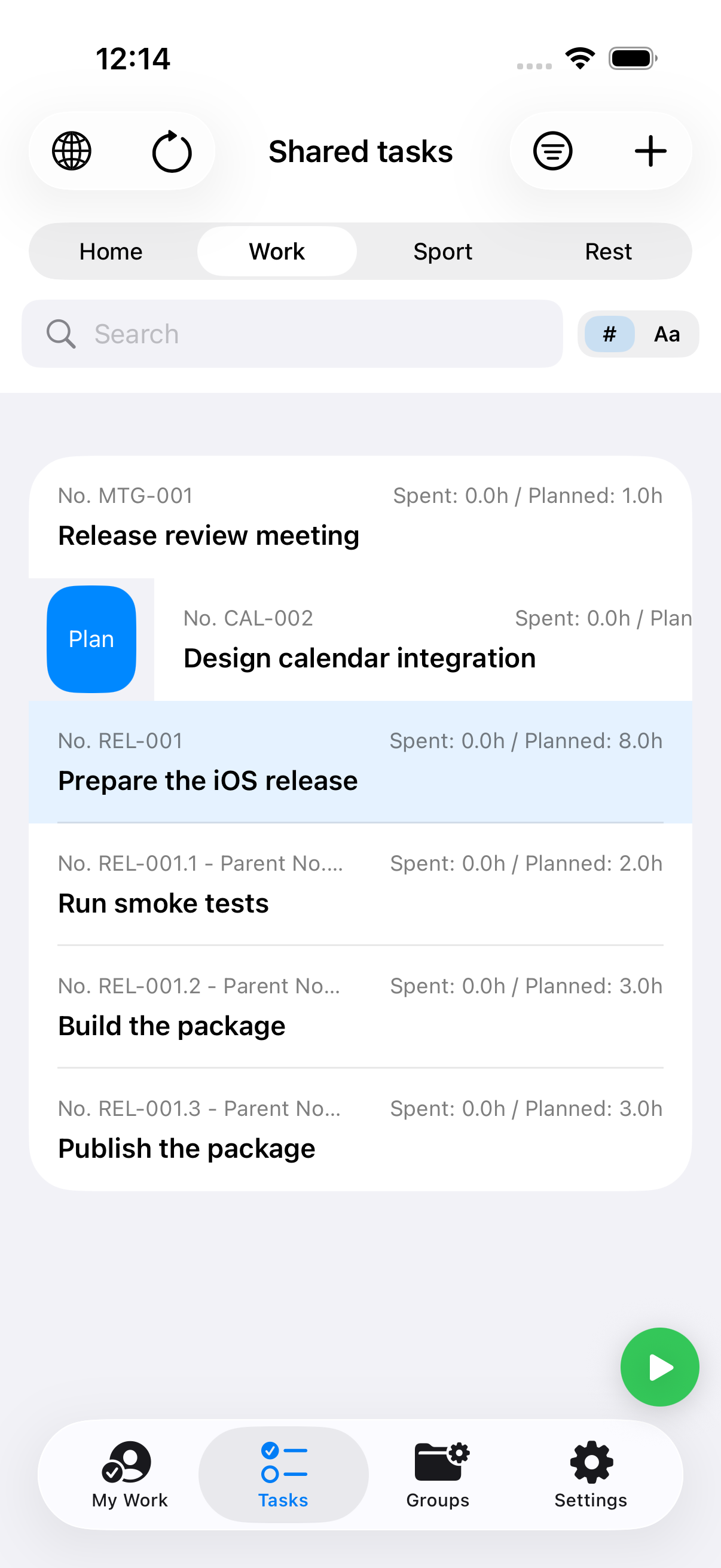
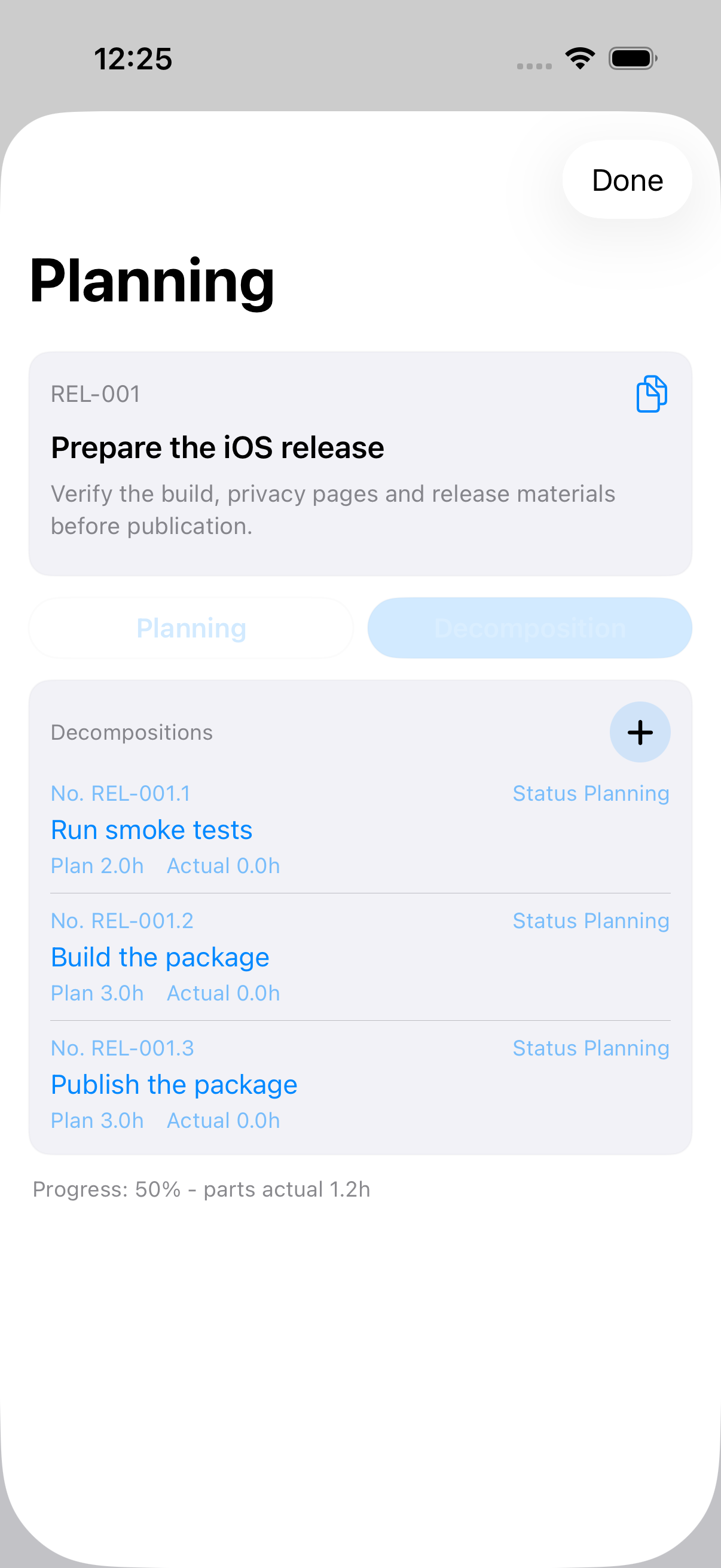
A release task can be split into smoke tests, package build and publication, keeping the plan in one place.
What the app does
Organize tasks by activity profile and group so the context is clear from the start.
Split larger work during planning or start processing a task as one piece.
Start work, track actual time and complete the task without extra manual bookkeeping.
After completion, the app suggests the next task with the highest priority right now.
Use different working periods for profiles and distribute tasks across your available time.
Create a family or company space with other users and share tasks between members.
Task Player. iOS release
Plan and process personal tasks distributed by profile. The first release supports up to four task profiles.
Configure when each profile is active so the app can surface the right tasks at the right time.
Create a shared space, delegate tasks and assign work to family or team members.
Receive reminders about waiting tasks and prompts when it is time to focus on your own work.
How it feels
Add a task, choose a group or profile, and let priority order handle the sorting.
Turn larger work into smaller parts with planned effort and responsibility.
Start the current part, track elapsed time, pause or finish it, then move to the next task.
Share a family task space while protecting sensitive shared content.
iPhone, iPad and Apple Watch in the first release. Planning, execution, family access and task progress stay visible.